
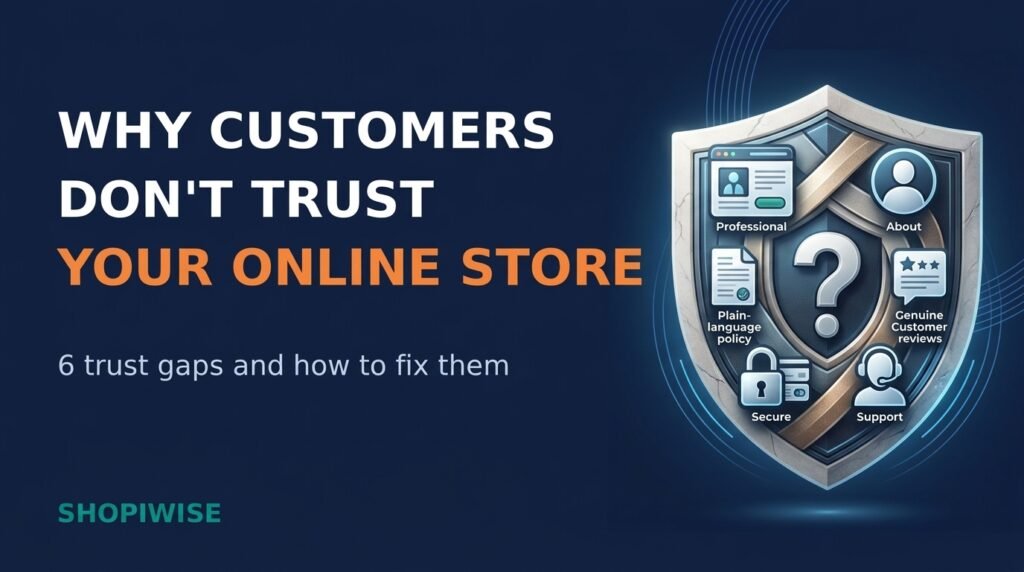
Why Customers Don’t Trust Your Online Store (and How to Fix It)
You have a good product, fair prices and a store that looks fine on your screen. Yet visitors browse, hesitate and leave. Often the missing ingredient is trust. Online, shoppers cannot touch the product, meet the owner or walk into a real shop, so they look for small signals that tell them the store is real, honest and safe to pay.
Trust problems are rarely caused by one big flaw. They build up from small gaps that you can find and fix. This guide covers six common reasons customers don’t trust your online store and shows what to do about each one, with practical steps for Shopify store owners and online sellers.
Prefer a quick overview first? Watch the video above, then read on for the full breakdown.
Why Trust Decides Whether Shoppers Buy
Every online purchase involves a leap of faith: the customer pays first and receives the product later. Bayard Institute’s surveys found that roughly one in five shoppers, about 19 percent in one widely reported figure, had abandoned a checkout because they did not trust the site with their credit card information. Exact numbers vary by survey year, but the message is consistent. Trust is part of the buying decision itself.
The good news is that trust is built from ordinary, visible details, and most of them are in your hands.
Reason 1: Your Store Looks Unprofessional
Shoppers judge a store in seconds. Inconsistent fonts and colors, blurry or stretched photos, spelling mistakes, broken links and pop-ups that cover the page all suggest that nobody is looking after the store. Product photos copied from a supplier can also hurt, because shoppers may have seen the same pictures on other sites.
- Choose one simple color palette and two fonts, and use them everywhere.
- Replace low-quality or supplier-default photos with sharp, consistent images, ideally original ones.
- Proofread product pages, banners and emails, then click every menu link and button.
- Limit pop-ups so they do not block the page the moment a visitor arrives.
- Test your store speed on a phone and fix anything that feels slow.
If your visuals need a lift, a professional graphic design service can help you build a consistent, on-brand look.
Reason 2: Shoppers Cannot Tell Who You Are
Anonymous stores feel risky. If there is no About page, no contact details beyond a form, and no clue where the business is based, a cautious shopper has little reason to hand over card details.
- Write an About page with your real story, who runs the store and why you sell these products.
- Show a contact email and, if you can, a phone number, chat option or business location.
- Use the same brand name across your store, checkout, social profiles and emails.
- Link social profiles that are active and consistent with your store.
- Put a Contact link in both the header and footer.
Only share details you are comfortable making public, and check the rules in the countries where you operate.
Reason 3: Policies Are Missing or Unclear
Before paying, many shoppers look for shipping, returns and privacy information. If they cannot find it, or it is full of vague wording, they may assume the worst. Shopify lets you add or generate refund, privacy, terms of service and shipping policies in your admin, and these are linked in the footer of your checkout pages. Shopify also notes that you remain responsible for following your published policies and should review them carefully.
- Write in plain language: delivery times, costs, who pays return shipping, the return time window and how refunds are issued.
- Link your policies in the footer, in your menu and near the Add to Cart button.
- Make sure every policy matches what you really do. A promise you cannot keep damages trust more than a strict rule.
- Privacy and consumer rules differ by country, so check the requirements for the regions you sell to, and consider legal advice for anything important.
Reason 4: Social Proof Is Weak or Looks Fake
Reviews act as a shortcut for shoppers who cannot inspect the product. A store with no reviews gives them nothing to rely on, while one with only perfect, generic praise can look suspicious.
- Ask real customers for a review a few days after delivery.
- Show photo reviews and a natural mix of ratings, and reply politely to criticism.
- Display ratings on product and collection pages, not only in one hidden section.
- Never invent reviews or customer counts, and do not hide honest negative feedback.
This is also a legal matter. In the United States, a Federal Trade Commission rule that took effect on October 21, 2024 prohibits fake or false reviews, including AI-generated ones, and certain review suppression practices. Other countries have their own consumer protection laws, so honest reviews are the safe path everywhere.
Reason 5: Checkout Feels Unsafe
Shoppers often judge security by how a page looks and feels. Bayard’s testing found that people tend to trust their gut at the card form, and that concerns appear mainly when they reach the payment step, especially for less familiar brands.
- Confirm that every page of your store loads over HTTPS and shows the padlock in the browser.
- Offer familiar payment options, such as major cards and wallets like Shop Pay, Apple Pay or Google Pay where available.
- Keep the checkout consistent with your brand and avoid sending shoppers to unfamiliar-looking pages.
- Use security messages and badges only when they are genuine and tied to services you actually use.
Reason 6: Support Feels Hard to Reach
Buying is easier when shoppers believe someone will help if something goes wrong. If questions go unanswered, the store feels risky even before the first order.
- State a realistic reply time, such as “We reply within one business day,” and keep to it.
- Send an order confirmation and tracking updates automatically.
- Build a short FAQ page that answers questions you hear often.
- Offer a channel your customers already use, such as email, live chat or messaging apps.
- Respond to complaints calmly and publicly where possible.
Quick Trust Audit: Check Your Store in Ten Minutes
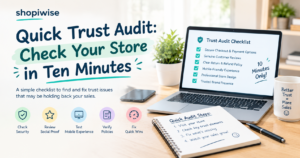
Use the stranger test: ask someone who has never seen your store to spend one minute on it, then tell you whether they would pay and what made them hesitate. Pair that with this table.
| Area | Quick check | First fix |
| Design and links | Click every menu item and button | Fix typos, broken links and blurry images |
| Who you are | Can a stranger find your About and Contact pages? | Add a real story and contact details |
| Policies | Can you find shipping and returns in two clicks? | Publish plain-language policies and link them |
| Reviews | Do product pages show honest feedback? | Request reviews from real customers |
| Checkout | Does it use HTTPS and familiar payment options? | Add trusted payment methods |
| Support | Is there a clear reply time? | Set one and automate order emails |
Frequently Asked Questions
How do I build trust with a new store that has no reviews?
Lead with transparency: a real About page, clear policies, original photos and easy contact options. Then ask your first customers for honest reviews. Do not buy or invent them.
Do trust badges really work?
They can reassure shoppers when they are genuine and recognizable, but they do not replace clear policies, secure checkout and good service. Show only badges that apply to your store.
Do I need a physical address on my store?
Not always, and requirements vary by country. Showing a business location or at least clear contact details usually helps shoppers feel more comfortable. Check the rules for your region.
How long does it take to build trust?
There is no fixed timeline. Trust grows as you deliver on promises, communicate honestly and collect real feedback over time.
How do I know which trust problem affects my store?
Run the stranger test, read the questions customers send you, and look at your analytics to see where visitors leave, such as product pages or checkout.
Conclusion
Customers rarely distrust a store for one dramatic reason. It is usually a handful of small gaps in design, information, policies, reviews, checkout and support. The encouraging part is that each one can be reviewed and improved. Start with the area that feels weakest, make one change, check the result, then move on to the next.
If you would like expert help, Shopiwise offers Shopify store setup, optimization and sales growth support. Explore our Shopify services, read how Shopify store development can improve the online shopping experience, see our digital marketing services for reaching the right customers, or contact our team to talk about your store. You can also visit Shopiwise.com to see everything we offer.