
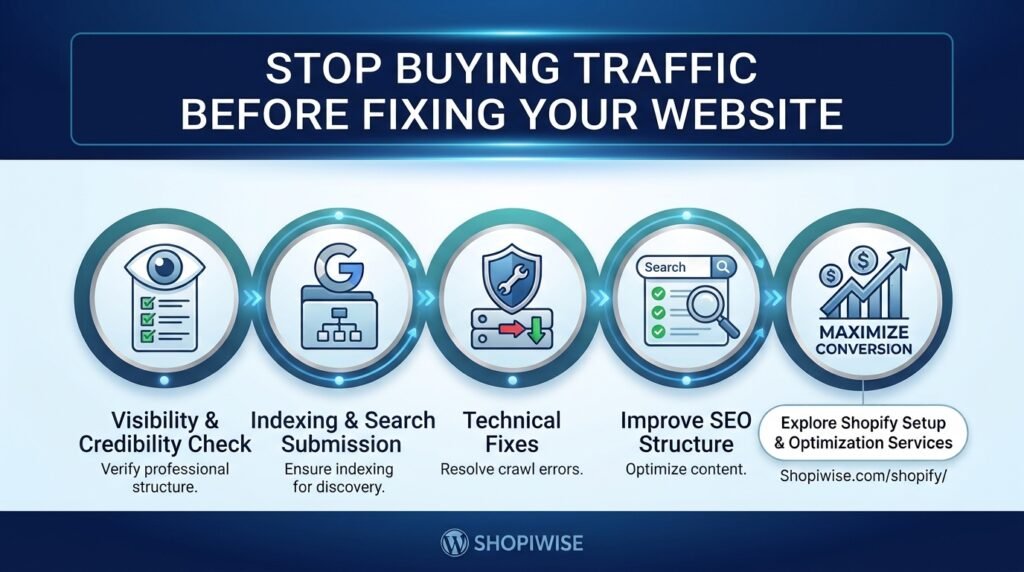
shopify optimization

Fix website before buying traffic infographic for Shopify stores
shopify optimization

Stop Buying Traffic Before Fixing Your Website

Stop Buying Traffic Before Fixing Your Website If your Shopify store is getting visitors but not enough orders, spending more on advertising may not be the first move. More traffic can create more opportunities, but it can also send more people into a buying experience that is slow, confusing, unconvincing, or difficult to use. Before increasing your ad budget, make sure your website gives the right visitors a clear reason to trust your business and an easy path to purchase. This does not mean your store must be perfect before you market it. It means you should identify and address the most serious barriers first. Why more traffic is not always the answer Illustration: traffic creates opportunity, while a clear and trustworthy store helps visitors move toward purchase. Traffic and conversion are different parts of the same process. A campaign may attract people who are curious rather than ready to buy. Alternatively, visitors may have genuine purchase intent but leave because they cannot quickly understand the offer, find the right product, calculate delivery costs, or feel confident about payment and returns. Think of your store as a shop on a busy street. Bringing more people to the door does not help much if the entrance is confusing, the products are hard to compare, or customers cannot find the checkout. Improve the experience before paying to bring a larger crowd. Start by separating two questions: Are the right people arriving, and can those people complete the purchase easily? Your analytics and customer feedback can help you answer both. 1. Find where shoppers drop off Illustration: track the journey from visit to product view, cart, checkout, and purchase. Do not rely on total sessions alone. Review the steps customers take after landing on your website. For an ecommerce store, a useful journey to inspect is: Landing page or session Product page view Add to cart Begin checkout Completed purchase Use Shopify reports and, where configured, Google Analytics 4 ecommerce and purchase-journey reports to look for unusually large drop-offs. Segment the results by device, traffic source, landing page, and product when the available data supports it. A problem affecting mobile visitors from one campaign may be hidden by your overall average. Check tracking before making decisions. Missing or incorrectly configured events can make a funnel appear healthier or worse than it really is. Use a consistent date range and compare like with like. 2. Audit the website experience before scaling ads Illustration: a practical store audit should cover mobile usability, product information, delivery clarity, and checkout. Begin with a real customer journey on a phone and a desktop. Open a product page from the same type of link an ad or social post would use. Try to understand the product, choose a variant, add it to the cart, and proceed through checkout. Note every moment of uncertainty or friction. Check speed and mobile usability If key content appears slowly or buttons are hard to tap, customers may struggle before they even evaluate the product. Review your store’s performance reports, compress oversized images, remove unnecessary app scripts where safe, and test important pages on real mobile devices. Avoid deleting useful features just to chase a score; prioritize improvements that make the experience faster and easier. Make product pages answer buying questions Use clear product titles, helpful descriptions, sharp images, useful size or specification details, and visible pricing. Explain what makes the product suitable for the intended customer. If relevant, show dimensions, materials, compatibility, care instructions, or what is included. Do not make shoppers search through several pages for basic information. Make trust and total cost clear Display delivery expectations, shipping charges, return terms, contact information, and payment options where shoppers can find them. Use genuine reviews and accurate product claims. Unexpected costs or vague policies can create hesitation, especially for a new store that has not yet earned customer familiarity. Reduce checkout friction Check for broken buttons, confusing form fields, errors, unexpected account requirements, and unclear shipping or payment steps. Test the checkout process regularly, including common product variants and mobile layouts. Keep necessary information requests clear and proportionate. 3. Make sure the traffic matches the page Illustration: align the ad promise with the exact product and information shown on the landing page. Even a well-built website can struggle when the campaign attracts the wrong audience or promises something the landing page does not deliver. Match the message in your ad, email, social post, or search result with the page visitors see next. For example, if an ad promotes a specific pair of running shoes, send visitors to that product or a highly relevant collection—not a generic homepage where they must start over. Make sure the advertised price, offer, product availability, and delivery conditions are consistent with the landing page. Review campaign targeting, search terms, creative, and landing-page performance together. Do not judge a campaign only by clicks or low cost per click. A cheaper visitor is not necessarily a more valuable visitor if the person has little interest in the product. 4. Fix the biggest problems first, then test Illustration: prioritize a clear hypothesis, make one meaningful change, and measure the result. You do not need to redesign the entire store at once. Create a short priority list based on customer impact, evidence, and effort. A broken checkout button deserves immediate attention; a small color preference usually does not. Fix critical technical issues and broken purchase steps first. Clarify product value, pricing, delivery, and returns. Improve the most important mobile and landing-page experience. Check that analytics and campaign tracking are working. Test one meaningful change at a time when possible, and record the outcome. Write down the problem you expect to solve and the metric you will monitor. Depending on the change, that might be product-page engagement, add-to-cart rate, checkout completion, conversion rate, or revenue per session. Allow enough time and data for a useful comparison, and remember that other factors—such as seasonality, promotions, inventory, and traffic mix—can influence results. Common mistakes
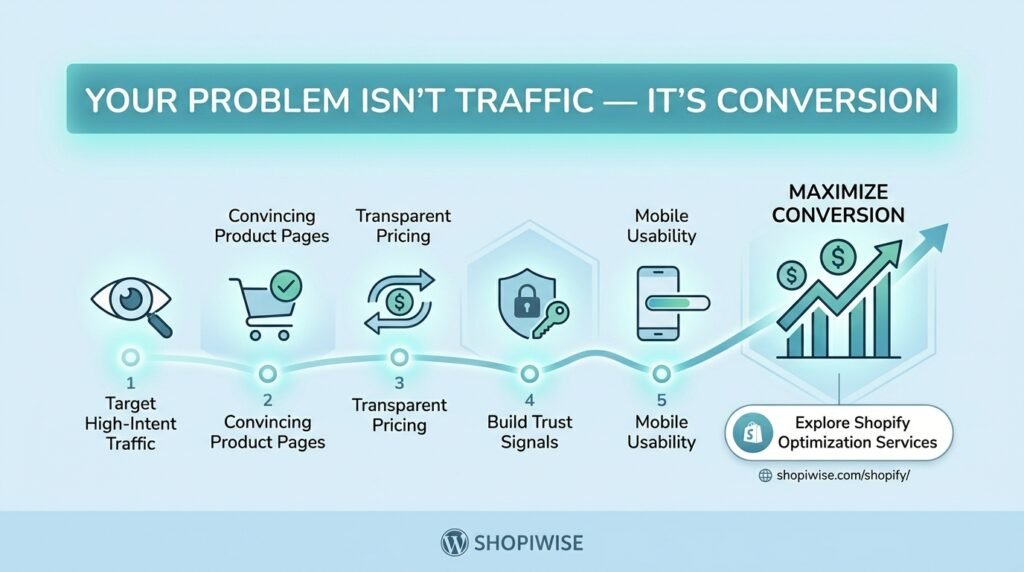
Shopify conversion vs traffic optimization concept infographic for featured image
shopify optimization

Your Problem Isn’t Traffic — It’s Shopify Conversion

Your Problem Isn’t Traffic — It’s Conversion When a Shopify store is not making enough sales, the first instinct is often to look for more visitors. Store owners may increase their ad budget, post more frequently on social media, or chase new SEO keywords. But if people are already visiting and leaving without buying, more traffic may simply send more potential customers into a store that is not ready to convert them. The real question is not only “How do I get more visitors?” It is “What are visitors doing after they arrive, and what is stopping them from taking the next step?” A conversion-focused approach helps you answer that question with evidence rather than guesswork. This does not mean traffic is never the problem. A store needs relevant visitors as well as a convincing buying experience. The goal is to identify the biggest constraint first—traffic quality, product interest, trust, price clarity, usability, or checkout—and fix it in the right order. First, Check Whether Traffic or Conversion Is the Problem Start by defining what a successful visit means for your store. For most ecommerce businesses, the main conversion is a completed purchase, but intermediate actions—product views, add-to-cart events, and checkout starts—help reveal where the journey breaks down. Shopify Analytics includes conversion-related metrics and a conversion rate breakdown. Google Analytics can also track ecommerce events such as viewing a product, adding it to a cart, beginning checkout, and purchasing. The exact reports available depend on your configuration and tracking setup. Review the journey in order: Sessions: Are enough people arriving, and are they from relevant sources and markets? Product views: Do visitors reach products that match the promise of the ad, search result, or social post they clicked? Add to cart: Are product pages convincing enough for visitors to show buying intent? Checkout started: Are shoppers willing to move from the cart to the payment process? Purchases: Are shoppers completing checkout, or dropping out before the order is confirmed? If visitors arrive but do not view products, investigate navigation, landing-page relevance, and traffic quality. If product views are healthy but add-to-cart activity is weak, review the product offer and page. If many shoppers add items but few finish checkout, investigate costs, delivery information, payment options, and checkout usability. 1. Attracting the Wrong Visitors Traffic is only useful when it has a reasonable chance of becoming a customer. A broad ad, an unclear social post, or a search snippet that promises something the landing page does not deliver may attract clicks without attracting likely buyers. What to do: Compare conversion behavior by channel, campaign, landing page, device, and country where analytics data is reliable. Make sure ad copy and search snippets accurately reflect the product, price range, and offer on the landing page. Avoid judging a campaign on clicks alone; consider product engagement, add-to-cart activity, orders, and acquisition cost. Check whether shipping coverage, delivery times, currency, and payment options fit the markets you target. Example: If an ad promotes a specific running backpack, send visitors to that product or a closely relevant collection—not to a generic homepage where they must search for it. 2. Product Pages That Do Not Answer Buying Questions A product page needs to do more than display a name and price. Shoppers may need to understand dimensions, materials, compatibility, fit, included accessories, delivery estimates, returns, and how the product solves their problem. If these details are missing or hard to find, visitors may hesitate or leave to compare alternatives. Improve product pages by: Writing a clear title and opening description that explain what the product is and who it is for. Using accurate, high-quality images from useful angles and showing scale or context when relevant. Listing specifications, sizing, materials, care instructions, or compatibility information that affects the purchase. Making price, variants, stock status, and the Add to Cart action easy to find. Answering common objections near the decision point, including shipping and returns information. Using genuine reviews and customer photos only when they are authentic and permitted. Do not add content simply to make a page longer. Include information that helps a real customer decide whether the product is right for them. 3. Unclear Pricing, Shipping, or Value A shopper may like a product but reconsider when the total cost is unclear. Unexpected delivery charges, vague arrival estimates, confusing discounts, or unclear return terms can undermine confidence. A low product price does not automatically create a compelling offer if the overall buying experience feels risky or expensive. Make the full offer easier to understand: State product prices and variant differences clearly. Explain shipping charges, delivery windows, taxes, and duties as clearly as your store and target markets allow. Make return, refund, and warranty policies easy to find and consistent with what you can actually provide. Explain the product’s benefits and differentiators without exaggerated or unverifiable claims. Review discount codes and promotional banners to ensure the terms are clear and the offers work. 4. Trust Signals Are Missing or Unconvincing First-time visitors may not know your brand. They need enough accurate information to feel comfortable placing an order. A polished logo alone is not proof that a store is dependable. Help shoppers assess your business by providing clear contact information, transparent policies, consistent branding, secure checkout, realistic delivery expectations, and useful product details. Display genuine customer feedback when you have it. Never invent testimonials, fake review counts, false scarcity, or certifications your business does not hold. Trust is especially important when the product is unfamiliar, expensive, personalized, or difficult to return. Address the questions customers are likely to ask before they have to contact support. 5. Mobile Experience or Checkout Friction A page can look good on a desktop but be awkward on a phone. Small controls, slow-loading media, intrusive pop-ups, unclear variant selectors, and forms that are difficult to complete can interrupt a purchase. Checkout issues can be especially costly because shoppers have already shown intent. Test the full journey on mobile and desktop: Open a product

Scroll to Top