
Shopify Tips

why customers dont trust your online store and how to fix them
Shopify Tips

Why Customers Don’t Trust Your Online Store (and Fixes)

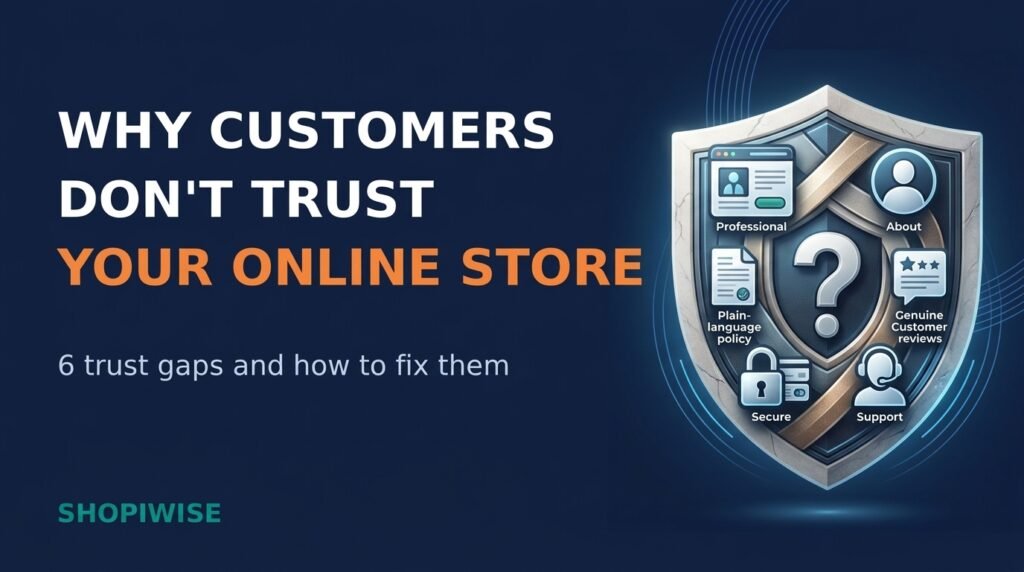
Why Customers Don’t Trust Your Online Store (and How to Fix It) You have a good product, fair prices and a store that looks fine on your screen. Yet visitors browse, hesitate and leave. Often the missing ingredient is trust. Online, shoppers cannot touch the product, meet the owner or walk into a real shop, so they look for small signals that tell them the store is real, honest and safe to pay. Trust problems are rarely caused by one big flaw. They build up from small gaps that you can find and fix. This guide covers six common reasons customers don’t trust your online store and shows what to do about each one, with practical steps for Shopify store owners and online sellers. Prefer a quick overview first? Watch the video above, then read on for the full breakdown. Why Trust Decides Whether Shoppers Buy Every online purchase involves a leap of faith: the customer pays first and receives the product later. Bayard Institute’s surveys found that roughly one in five shoppers, about 19 percent in one widely reported figure, had abandoned a checkout because they did not trust the site with their credit card information. Exact numbers vary by survey year, but the message is consistent. Trust is part of the buying decision itself. The good news is that trust is built from ordinary, visible details, and most of them are in your hands. Reason 1: Your Store Looks Unprofessional Shoppers judge a store in seconds. Inconsistent fonts and colors, blurry or stretched photos, spelling mistakes, broken links and pop-ups that cover the page all suggest that nobody is looking after the store. Product photos copied from a supplier can also hurt, because shoppers may have seen the same pictures on other sites. Choose one simple color palette and two fonts, and use them everywhere. Replace low-quality or supplier-default photos with sharp, consistent images, ideally original ones. Proofread product pages, banners and emails, then click every menu link and button. Limit pop-ups so they do not block the page the moment a visitor arrives. Test your store speed on a phone and fix anything that feels slow. If your visuals need a lift, a professional graphic design service can help you build a consistent, on-brand look. Reason 2: Shoppers Cannot Tell Who You Are Anonymous stores feel risky. If there is no About page, no contact details beyond a form, and no clue where the business is based, a cautious shopper has little reason to hand over card details. Write an About page with your real story, who runs the store and why you sell these products. Show a contact email and, if you can, a phone number, chat option or business location. Use the same brand name across your store, checkout, social profiles and emails. Link social profiles that are active and consistent with your store. Put a Contact link in both the header and footer. Only share details you are comfortable making public, and check the rules in the countries where you operate. Reason 3: Policies Are Missing or Unclear Before paying, many shoppers look for shipping, returns and privacy information. If they cannot find it, or it is full of vague wording, they may assume the worst. Shopify lets you add or generate refund, privacy, terms of service and shipping policies in your admin, and these are linked in the footer of your checkout pages. Shopify also notes that you remain responsible for following your published policies and should review them carefully. Write in plain language: delivery times, costs, who pays return shipping, the return time window and how refunds are issued. Link your policies in the footer, in your menu and near the Add to Cart button. Make sure every policy matches what you really do. A promise you cannot keep damages trust more than a strict rule. Privacy and consumer rules differ by country, so check the requirements for the regions you sell to, and consider legal advice for anything important. Reason 4: Social Proof Is Weak or Looks Fake Reviews act as a shortcut for shoppers who cannot inspect the product. A store with no reviews gives them nothing to rely on, while one with only perfect, generic praise can look suspicious. Ask real customers for a review a few days after delivery. Show photo reviews and a natural mix of ratings, and reply politely to criticism. Display ratings on product and collection pages, not only in one hidden section. Never invent reviews or customer counts, and do not hide honest negative feedback. This is also a legal matter. In the United States, a Federal Trade Commission rule that took effect on October 21, 2024 prohibits fake or false reviews, including AI-generated ones, and certain review suppression practices. Other countries have their own consumer protection laws, so honest reviews are the safe path everywhere. Reason 5: Checkout Feels Unsafe Shoppers often judge security by how a page looks and feels. Bayard’s testing found that people tend to trust their gut at the card form, and that concerns appear mainly when they reach the payment step, especially for less familiar brands. Confirm that every page of your store loads over HTTPS and shows the padlock in the browser. Offer familiar payment options, such as major cards and wallets like Shop Pay, Apple Pay or Google Pay where available. Keep the checkout consistent with your brand and avoid sending shoppers to unfamiliar-looking pages. Use security messages and badges only when they are genuine and tied to services you actually use. Reason 6: Support Feels Hard to Reach Buying is easier when shoppers believe someone will help if something goes wrong. If questions go unanswered, the store feels risky even before the first order. State a realistic reply time, such as “We reply within one business day,” and keep to it. Send an order confirmation and tracking updates automatically. Build a short FAQ page that answers questions you hear often. Offer a channel your
turn first-time buyers into repeat customers shopify strategy
Shopify Tips

How to Turn First-Time Buyers Into Repeat Customers

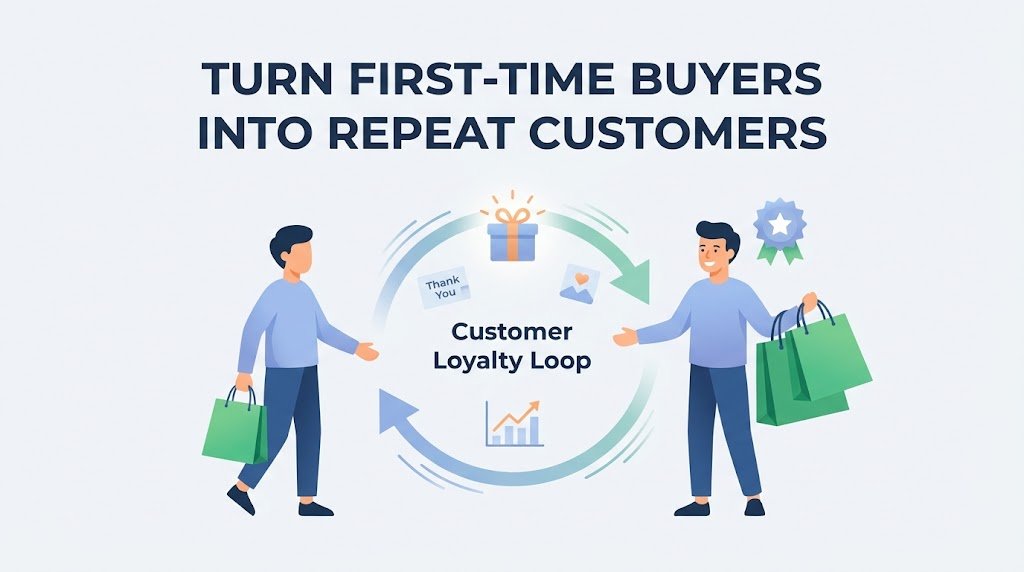
How to Turn First-Time Buyers Into Repeat Customers Getting a stranger to place their first order is a real win. But if that customer never comes back, you have paid for traffic, ads and fulfilment and received a single sale in return. The stores that grow steadily are usually the ones that learn how to turn first-time buyers into repeat customers, because a returning customer already trusts you and costs far less to reach than a brand-new visitor. This guide walks through a practical, step-by-step approach for Shopify store owners and online sellers. You will learn how to fix the first-order experience, build a simple post-purchase flow, reward loyalty without training people to wait for discounts, and measure whether any of it is working. Why Repeat Customers Matter for Your Store Acquisition gets the attention, but retention is where much of the long-term profit sits. A repeat buyer has already seen your product, your packaging and your support, so the biggest hurdle (trust) is mostly cleared. That usually means higher conversion rates, easier upsells and a healthier return on your marketing budget. It also changes how you think about growth. Instead of asking, “How do I find more buyers?”, you start asking, “How do I earn a second order from the buyers I already have?” The second question is often cheaper to answer. Step 1: Get the First Order Right No email sequence can rescue a bad first experience. Before you build any retention tactics, audit what a new customer actually goes through from checkout to unboxing: Delivery: Are your shipping times clear at checkout, and do you meet them? Late or unexpected delays are one of the fastest ways to lose a second sale. Packaging: Does the parcel arrive undamaged and look like it came from a real brand? A simple thank-you card or a clean unboxing moment goes a long way. Product match: Does the item look and perform the way your product page promised? Honest photos and accurate descriptions reduce returns and disappointment. Support: Can a customer reach you quickly if something goes wrong? Fast, friendly replies often turn a problem into loyalty. If customers keep asking the same question before or after buying, treat it as a signal. Add the answer to your product page, FAQ or confirmation email so the next buyer never has to ask. Step 2: Build a Post-Purchase Email Flow Many stores send only an order receipt and a shipping notice. Those messages have the highest open rates you will ever get, so use them well. A simple post-purchase flow can look like this: Right after checkout: confirm and reassure Send a clear confirmation that thanks the customer, explains what happens next and tells them when to expect delivery. Keep the tone human, not robotic. After delivery: help them get value A few days after the parcel arrives, send a short message with usage tips, care instructions or a quick how-to. Customers who get good results with a product are far more likely to buy again. Once they have had time to try it: ask for feedback Invite a review or ask a simple question about their experience. This builds social proof for future shoppers and gives you honest insight into what to improve. Near the end of the product cycle: suggest the next step If you sell something that runs out, such as skincare, coffee or supplements, a replenishment reminder timed to the typical usage period works well. If you sell durable goods, recommend accessories or complementary items instead of repeating the same product. The key is to match the timing to how your product is actually used. A reminder that arrives too early feels pushy, and one that arrives too late misses the moment. Step 3: Give Customers a Real Reason to Come Back People return when they feel recognized and rewarded, not just when they receive a coupon. Consider a mix of the following: A loyalty or rewards program: Points, tiers or perks for repeat purchases give customers a reason to choose you again. Make the balance visible in the customer account and in follow-up emails, otherwise people forget it exists. Early access: Letting past buyers see new products or restocks first costs you very little and makes them feel valued. Free shipping thresholds: A clear threshold can nudge shoppers to add an item and often raises average order value. A thoughtful second-order offer: A small, one-time incentive can work, but use it carefully. If every customer learns that a discount always follows the first purchase, they may simply wait for it. Step 4: Make Reordering Effortless Every extra step between “I want this again” and “order placed” costs you sales. Reduce the friction wherever you can: Encourage customers to create an account, or enable fast checkout options so their details are saved. Add a simple “buy again” link in follow-up emails that goes straight to the product. Offer a subscription option for products people use regularly. It turns a repeat decision into a default, so each subscriber becomes a repeat customer automatically. Step 5: Personalize Based on Purchase History Your store already collects useful data: what someone bought, when they bought it and how much they spent. Use it. Segment your list into simple groups such as first-time buyers, repeat customers and customers who have not purchased in a while. Then send each group something relevant instead of the same broadcast to everyone. For example, recommend a complementary product to a recent buyer, send a “we miss you” message to a lapsed customer, and give your best customers early access or a thank-you. Relevance almost always beats volume. How to Measure Whether It Is Working You cannot improve what you do not track. Start with these metrics: Repeat purchase rate: The percentage of customers who have bought more than once. A simple formula is repeat customers divided by total customers, multiplied by 100. Time to second order: How long it typically takes a customer to come back.

Scroll to Top